
What if the biggest productivity losses in your organisation were happening in the milliseconds your systems never measure?
That’s the hidden reality behind today’s digital employee experience insights, and why IT leaders are finally shifting from infrastructure-centric reporting to understanding what employees actually experience inside their digital workspace.
Most leaders feel the pressure from three places:
- IT support tickets that never quite reveal the real issue
- Hybrid teams dealing with invisible digital friction
- Leadership demanding ROI without reliable experience metrics.
This guide helps close that gap. We’ll cover how DEX metrics cut through that uncertainty and give IT a clearer view of where and why work slows down, and how you can solve issues before they turn into noise for your support teams.
We’ll cover:
- What is a DEX tool?
- Digital employee experience insights: Top 10 metrics to optimise workflow
- Turn digital employee experience insights into smarter workflows with Flexxible
Get clearer DEX insights, faster. FlexxClient shows where the digital workspace slows down, why it happens, and what to fix first. Book a demo to see how your teams can stay productive , and your business keeps moving.
What is a DEX tool?
A DEX tool gives IT teams a clear view of how employees actually experience their digital workplace, not just how devices behave on paper, by looking at various aspects of the online work environment itself.
As we advance into 2026, however, a DEX platform is combining several tools to give organisations a far more accurate understanding of digital performance at scale.
Instead of sifting through isolated logs or waiting for support tickets to point to a problem, such a platform gathers crucial information in one place, including:
- Real-time performance data
- Employee feedback
- Application behaviour
- Endpoint health
This helps IT teams spot friction early and understand the conditions that cause repeated slowdowns or errors across remote and hybrid environments.
The best DEX platforms combine analytics and automated remediations that let organisations resolve issues before they affect productivity. With AI-powered functionalities, they can also support self-service and provide context around workflows, which helps reduce resolution times and the overall load on support teams.
Leaders responsible for digital employee experience management are starting to see these platforms as more than a DEX tool , but an operational foundation which helps them make important decisions that help shape their company’s wider digital strategy.
Digital employee experience insights: Top 10 metrics to optimise workflow
Before you can improve workflow performance, you need the right digital employee experience insights to show where friction starts.
These ten metrics reveal how employees actually interact with their tools and where productivity quietly slips away.
For IT leaders wishing to improve their digital workplace management , they provide a grounded way to prioritise fixes and reduce the noise hitting support teams.
1. User Experience Index (UXI)
The User Experience Index is one of the clearest indicators of how people actually feel about their digital tools. It brings device performance together with user sentiment, so that IT gets a measurable way to connect technical behaviour with day-to-day frustration or job satisfaction.
“This single metric bridges the gap between what IT believes is working and what employees actually experience day-to-day,” says Adam Cooperman , Director of Strategic Sales at Flexxible. “By tracking UXI across departments, locations, or time periods, organisations can identify problem areas, measure the impact of changes, and provide leadership with a defensible, trackable metric for reporting.”
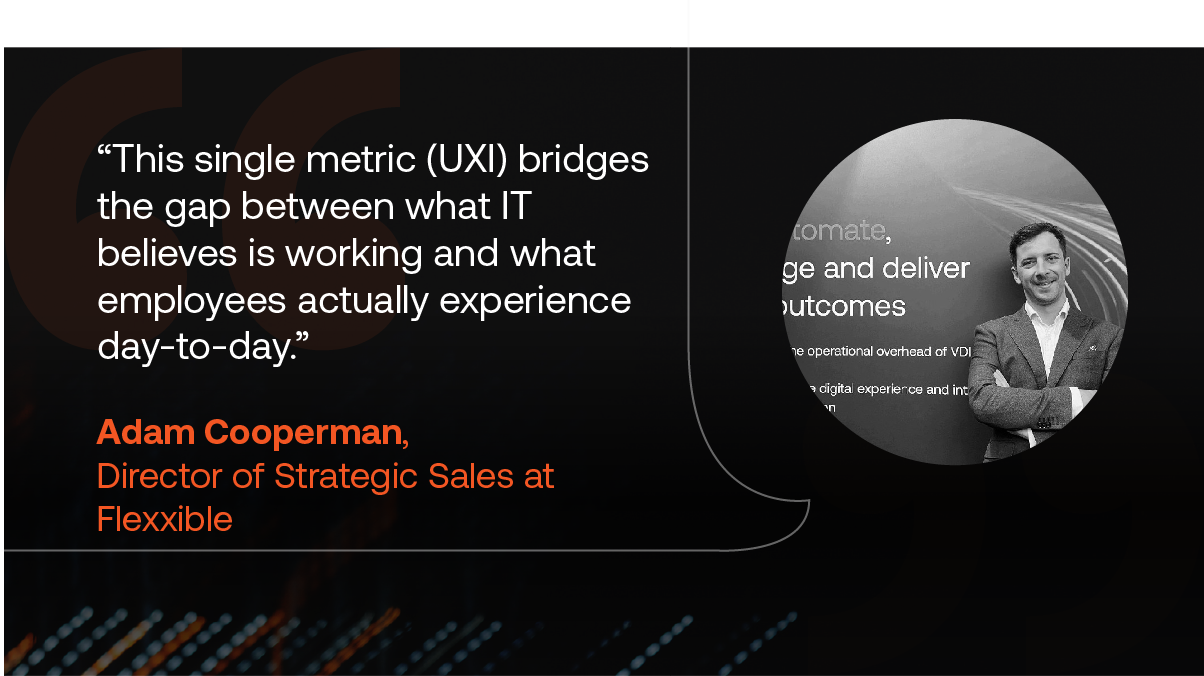
“This single metric (UXI) bridges the gap between what IT believes is working and what employees actually experience day-to-day.”
– Adam Cooperman, Director of Strategic Sales at Flexxible
Many DEX platforms come with built-in UXI scoring to help teams monitor shifts in their digital environment over time. FlexxClient , for example, calculates UXI user experience by combining the Workspace Reliability Index with employee poll responses. As your dashboard displays UXI trends, it becomes possible to see which locations or teams are slipping and which changes are actually improving the work experience .
From your operational viewpoint, UXI turns scattered signals into a defensible KPI for reporting and prioritisation.
Tip for IT leaders: Start by tracking UXI for a single pilot team and use it to validate remediation playbooks before rolling changes across the estate.
2. Workspace Reliability Index (WRI)
WRI is an objective device-health score calculated from severity-weighted indicators such as critical errors, resource exhaustion, and driver failures. It gives IT leaders advance warning of devices that are degrading before they fail, so they can replace or repair them based on condition rather than age.
The WRI metric also helps reduce unnecessary refresh spend and keeps downtime from cascading into longer support tickets, which helps with capacity planning and lifecycle decisions.
WRI becomes even more valuable when paired with experience data, because it shows not just what is breaking down but how those issues influence the user's day-to-day workflow . “This score integrates directly into the overall UXI calculation, connecting device health to user experience ,” explains Adam Cooperman.
Tip for IT leaders: Use WRI thresholds to trigger different remediation tiers – automatic scripts for lower-severity issues and proactive replacement or escalation for high-severity signals.
3. Auto-Remediation Rate
This metric reports the share of incidents fixed automatically by self-healing scripts, covering common fixes like restarting hung services or resetting network settings.
It converts potential tickets into silent wins: problems that never reach your help desk and never interrupt employees. “Organisations using the platform typically see 19% of tickets resolve automatically without any manual intervention,” says Cooperman. That percentage is a clear ROI lever for investment in auto remediation .
Gartner’s recent research supports this point. By 2029, AI-driven agents will autonomously resolve 80% of common service issues and reduce operational costs by 30% , it concludes. Automation is becoming central to every DEX strategy , helping achieve fewer disruptions , fewer escalations, and more time returned to IT teams who are already stretched thin.
Tip for IT leaders: Map the top recurring ticket types and prioritise automation for the high-frequency, low-risk fixes first to maximise early gains.
4. First-Line Fix Rate
First-line fix rate tracks how many issues are resolved at first contact using frontline tools and context. When support can view recent device state and session history, simple incidents stop escalating and teams spend less time chasing context.
End-user self-help also plays a role here, resolving many routine problems before they ever reach the help desk . Fewer incoming tickets mean frontline teams can focus on the issues that genuinely require their attention.
From the platform perspective, secure remote assistance and integrated diagnostics are the levers that raise this metric . FlexClient organisations report up to an 80% reduction in helpdesk resolution times thanks to advanced automated suppor t that directly reduces support costs and gets employees back to work faster.
Tip for IT leaders: Equip first-line agents with contextual snapshots (last 60 seconds of telemetry) and scripted remediation steps so they can act decisively on common problems.
5. Application Performance
Application performance telemetry shows where apps create friction, including slow load times, crashes, or high resource use that cumulatively erode productivity.
With per-application views you can compare real-world behaviour across versions and detect which software should be optimised, retired, or renegotiated with vendors. The platform’s App Groups and infrastructure overview and inventory make it easier to spot version sprawl and correlate performance with usability complaints .
Tip for IT leaders: Prioritise fixes where high-usage apps deliver poor performance, and use version visibility to target upgrades or rollbacks that will produce the biggest productivity wins.
6. Employee Sentiment
Technical metrics are extremely useful, but they can mix important context: two users with identical hardware can have vastly different experiences based on their workflows, applications, and expectations.
Pulse surveys capture subjective feedback about employee needs and how they feel about the digital tools at their disposal. They track the sentiment which reveals whether changes are actually improving the experience from the user's perspective. They also help identify training needs and surfaces issues that telemetry alone would miss.
New sentiment-capture features, like FlexxClient's Polls, let us create insightful surveys that reflect real moments in the employee journey. The system processes the responses and integrates them directly into the UXI calculator, concerning sentiment trends or drops, then surfaces on the dashboard as alerts.
Tip for IT leaders: Use short, frequent surveys rather than long questionnaires. They produce cleaner signals and avoid survey fatigue.
7. Productivity Time Recovered
Productivity Time Recovered turns DEX improvements into something leadership can immediately understand: hours returned to the organisation. It captures the time saved through faster detection and automated remediation, compared to historical baselines. It becomes a practical ROI metric rather than a technical one when paired with employee cost data.
FlexxClient reports 78% of waiting time recovered for users and 65% faster problem diagnosis , demonstrating how quickly regained time accumulates when digital friction is reduced across a large workforce. These gains often reveal where operational costs can be lowered and where further advanced automated support will have the strongest effect.
Tip for IT leaders: Track this metric alongside major initiatives. It helps validate whether process or tooling changes are genuinely improving employee productivity.
8. Software Asset Utilisation
Software Asset Utilisation exposes where licences are underused, duplicated, or deployed to users who don’t need them.
If IT leaders can understand these patterns, then they can reduce waste and streamline toolsets – they can also make sure employees access applications that match their roles and workflows. Vendor negotiations, too, improve thanks to clear usage evidence rather than estimates.
A consolidated view of applications and usage trends makes it easier to retire seldom-used apps and collaboration tools and manage version consistency for hybrid teams. It also limits compliance risk created by over-deployment. FlexxClient’s App Catalog and Inventory feature provides that visibility.
Tip for IT leaders: Review usage quarterly to spot slow-burning waste – abandoned tools often accumulate quietly over long periods.
9. Compliance and Security Posture
We can gauge the health of endpoints against several components, including:
- Required patch levels
- EDR coverage
- Configuration policies
- Other secure environmental controls.
Even a single unpatched device can open the door to broader compromise, which makes continuous monitoring very important in hybrid work settings.
Real-time inventory and compliance tools pull hardware and software signals into one view. FlexxClient integrates with tools like CrowdStrike to strengthen that visibility , while automated policy enforcement and OS patching through FlexxSecurity reduce the long windows where vulnerabilities tend to linger.
Tip for IT leaders: Pair compliance alerts with automated remediation so patching and policy enforcement stop competing with other urgent work.
10. Environmental impact
Energy consumption is becoming a digital-experience issue as much as a sustainability one. Many organisations still underestimate how much power is wasted through idle devices, inconsistent shutdown habits, or outdated settings that keep machines running long after employees have logged off.
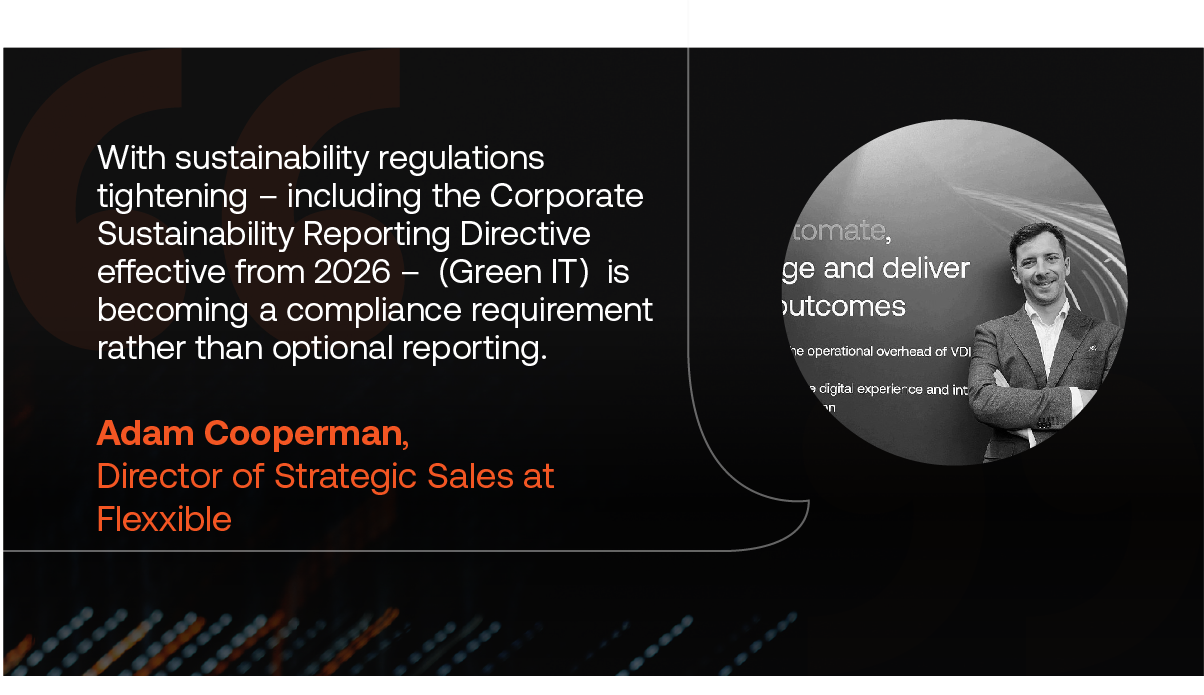
“With sustainability regulations tightening – including the Corporate Sustainability Reporting Directive effective from 2026 – this is becoming a compliance requirement rather than optional reporting.” Adam Cooperman points out.
This is where detailed visibility matters. FlexxClient’s Green IT module tracks energy use across the device estate and calculates carbon impact at a level that’s useful for both IT and sustainability teams.
Remote work management capabilities make it possible to power down unused machines safely, cutting operational costs while reducing environmental load – a practical win on both fronts.
Tip for IT leaders: Use these insights to automate shutdown routines for predictable low-usage periods; savings add up quickly across large fleets.
Turn digital employee experience insights into smarter workflows with Flexxible
DEX insights only matter if they move the needle. FlexxClient is a DEX solution that gives IT leaders a clear, real-time view of how employees experience their digital tools and the automation to fix issues before they hit productivity.
The result is a more user-friendly, resilient workspace that supports employee engagement, retention, and a smoother day-to-day experience across remote and hybrid teams.
A strong DEX strategy should help you:
- Turn actionable insights into faster resolutions that boost productivity
- Surface hidden pain points across apps, endpoints, and workflows
- Improve employee satisfaction with a more intuitive, optimised digital environment
- Link digital experience improvements directly to measurable business outcomes
With Gartner forecasting that 80% of common service issues will be resolved autonomously by 2029, proactive DEX is now a baseline need for ambitious organisations. FlexxClient gives IT leaders the control, automation, and visibility needed to keep work flowing smoothly – and the confidence that their digital workplace can scale with whatever comes next.
If you want a digital workplace you can actually measure and improve, the next step is simple: see FlexxClient in action. Book a demo to get the DEX insights your IT team has been missing.
Recommended for you
- What Digital Employee Experience Looks Like in 2026 (And How to Get It Right)
- Securing the New Office: Endpoint Management for a Hybrid Workforce
- Unlock Hidden Microsoft 365 Savings: The Report IT Leaders Need
- The End of Windows 10 is Near: Are Your Endpoints Ready?
- Tired of Endpoint Chaos? Learn How to Regain Control
- How to Solve Remote Team Challenges with Digital Employee Experience
- The Best DEX Platforms to Improve Productivity, Security, and Engagement
- The DEX Success Code: Achieving Success with a Service-First Approach

