The European digital workplace platform for better employee experiences, smarter IT operations, and work without friction.


Solutions
Flexxible Assist connects Service Desk engineers from a browser to supported Windows, Linux and macOS devices running FlexxAgent CP. No additional operator client is required.

Your engineers connect from the browser to the device in front of the employee, with no operator client to install.
Check the Flexxible Assist documentation for operating system versions, FlexxAgent CP requirements and the capabilities available in your configuration.
Assist Teammate brings AI into the session. Teammate Guide points on screen and suggests the next steps. Teammate Act uses the mouse and keyboard and can execute background commands. The engineer approves every action and can take control at any time.
Use screen viewing or control, keyboard shortcuts, input lock and adjustable video quality. Communicate through chat, microphones and cameras where enabled. In an interactive session, the employee accepts or declines the request and can disconnect.

Control clipboard direction, file uploads, downloads, allowed folders and transfer sizes. File-only sessions and silent file management are configurable. On Windows, permitted administration tools include CMD, PowerShell, Task Manager, Registry Editor and custom commands with SYSTEM privileges.

Configure capabilities by organization or reporting group. Customize consent messages and technician text by language; logos and icons are managed at organization level. Configuration changes are audited.

Session operations include status and chronological events. Teammate Guide reports include the summary, action timeline and progress against the plan, with notes and feedback. Chat transcript settings control recording; verify retention requirements in your configuration.

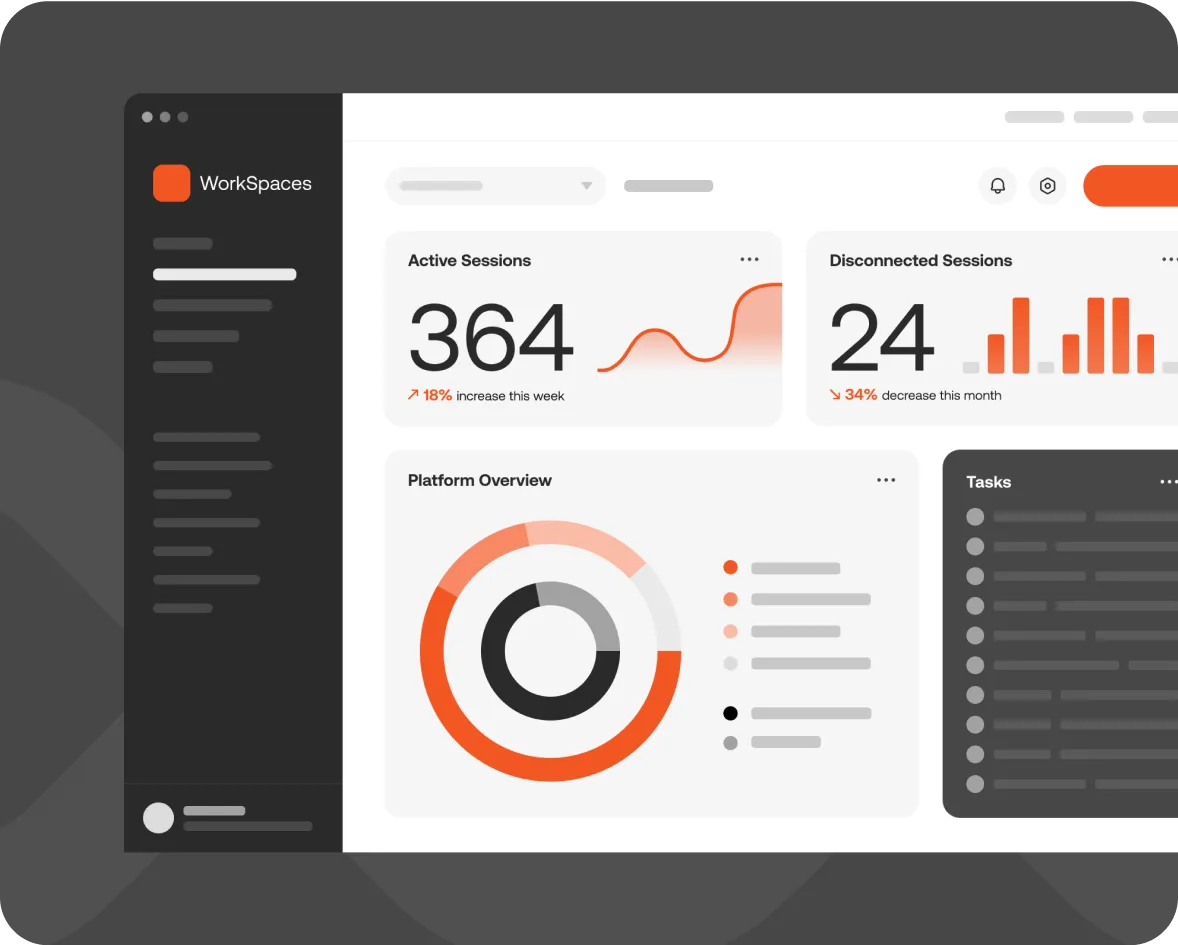
FlexxClient unifies the management and monitoring of all workspaces, virtual or physical. Leverage automation, empowering your IT teams to drive daily positive outcomes, monitor user experience, and enable self-healing.
Integration and Business Flows
Observability
Remote Support
Maintenance and Inventory
Analytics, Connectors, and Data
Automation and Remediation
AI
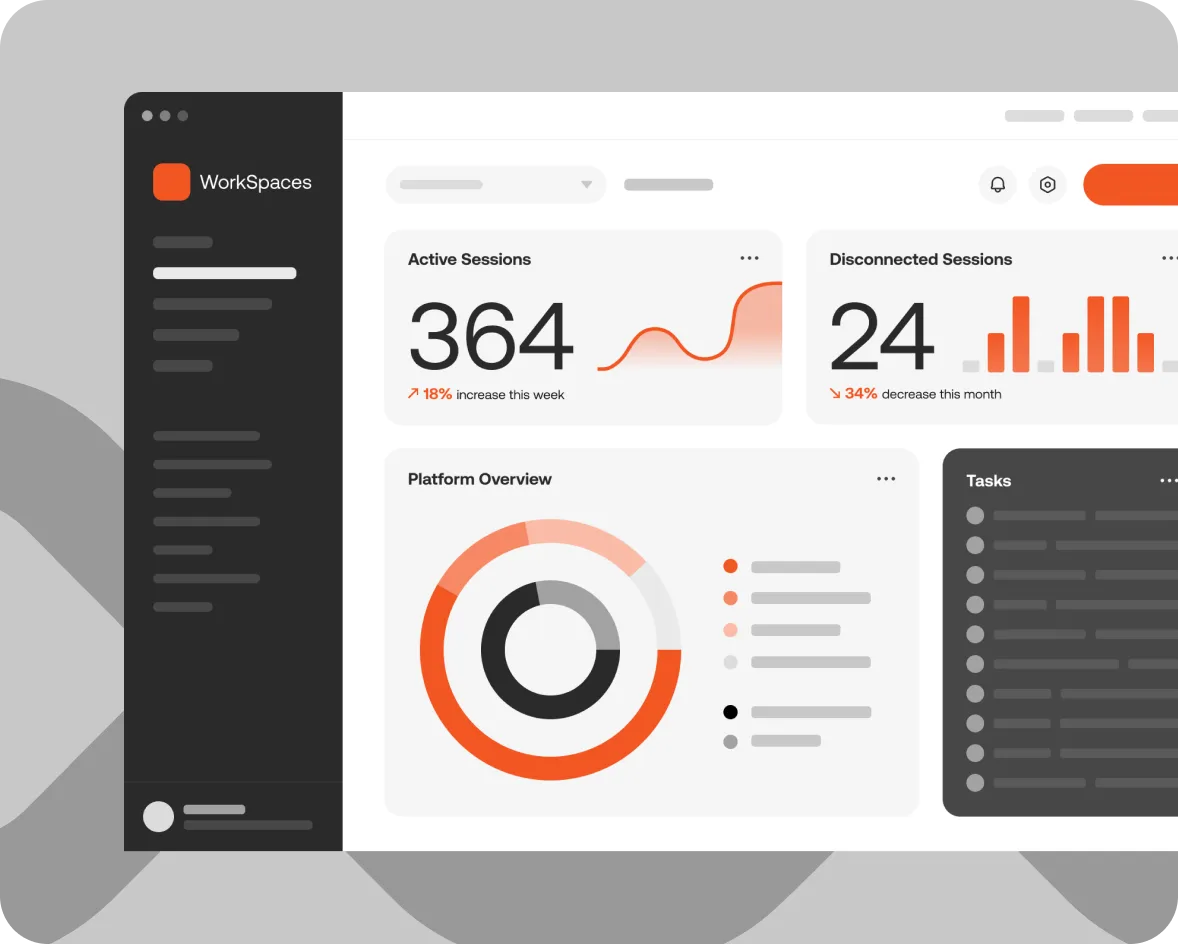
FlexxSolve gets people back to work and reduces repetitive work for Service Desk engineers, while you stay in control. FlexxSolve finds out why something isn't working on an employee's device, fixes it within the limits you set and checks that it worked. When a person is needed, your engineers get the case with the work already done.
Autonomous diagnosis and repair
Integration and Business Flows
Observability
Remote Support
Maintenance and Inventory
Analytics, Connectors, and Data
Automation and Remediation
AI
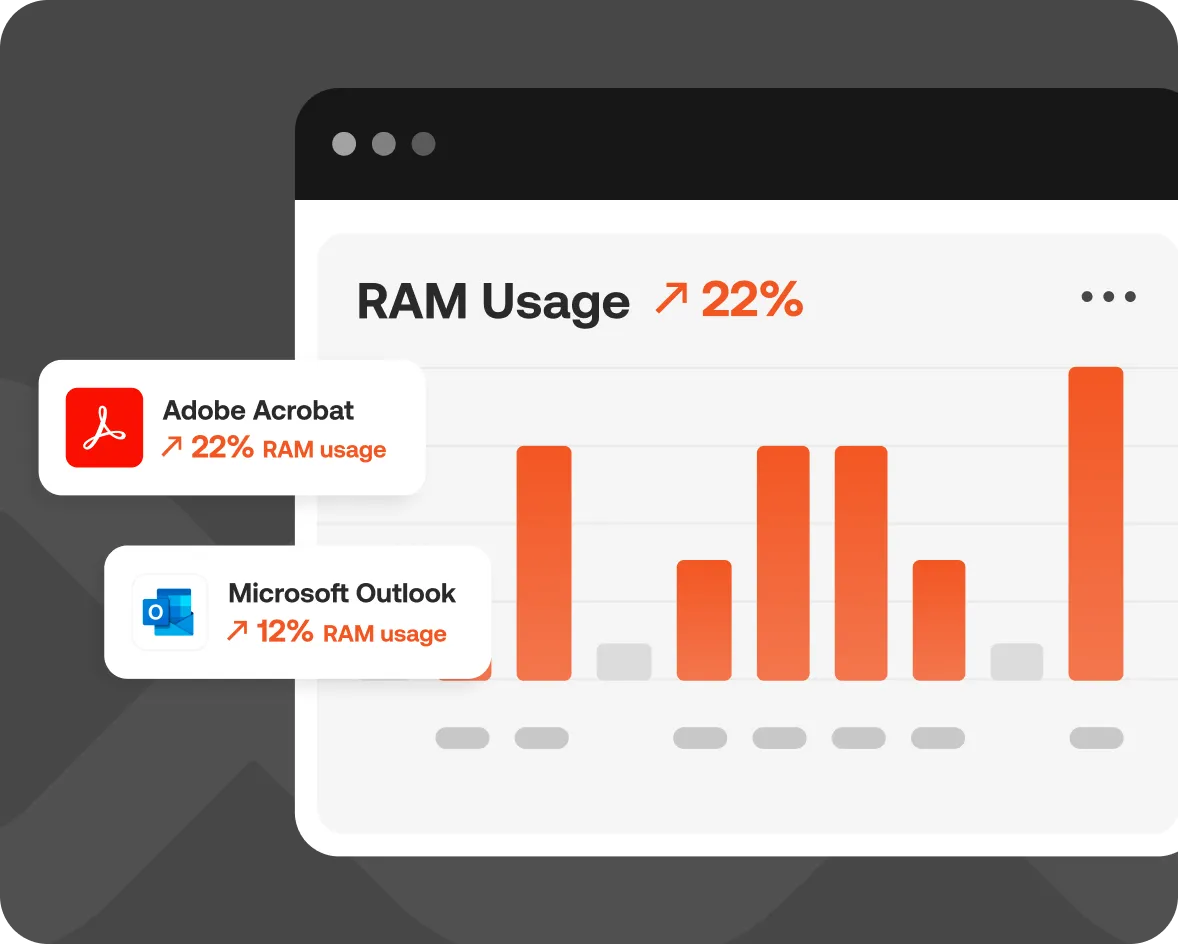
Experience ultimate flexibility with FlexxDesktop, recognized in the Gartner Magic Quadrant for DaaS in 2023. Use your hardware or ours, any broker, cloud, or hypervisor, to create the ideal Desktop as a Service offering. With its integrated management and monitoring tools, organizations can leverage automation and self-healing capabilities to deliver the best user experience possible.
Analytics, Connectors, and Data
AI
Remote Support
Maintenance and Inventory
Automation and Remediation
Integration and Business Flows
Observability
Workstation Virtualization and Advanced Monitoring
FlexxClient unifies the management and monitoring of all workspaces, virtual or physical. Leverage automation, empowering your IT teams to drive daily positive outcomes, monitor user experience, and enable self-healing.
Integration and Business Flows
Observability
Remote Support
Maintenance and Inventory
Analytics, Connectors, and Data
Automation and Remediation
AI
FlexxSolve gets people back to work and reduces repetitive work for Service Desk engineers, while you stay in control. FlexxSolve finds out why something isn't working on an employee's device, fixes it within the limits you set and checks that it worked. When a person is needed, your engineers get the case with the work already done.
Autonomous diagnosis and repair
Integration and Business Flows
Observability
Remote Support
Maintenance and Inventory
Analytics, Connectors, and Data
Automation and Remediation
AI
Experience ultimate flexibility with FlexxDesktop, recognized in the Gartner Magic Quadrant for DaaS in 2023. Use your hardware or ours, any broker, cloud, or hypervisor, to create the ideal Desktop as a Service offering. With its integrated management and monitoring tools, organizations can leverage automation and self-healing capabilities to deliver the best user experience possible.
Analytics, Connectors, and Data
AI
Remote Support
Maintenance and Inventory
Automation and Remediation
Integration and Business Flows
Observability
Workstation Virtualization and Advanced Monitoring
By using a combination of automation, monitoring, support and observability tools, we enable an out-of-the-box mature EUC strategy with a proven ROI model for boosting productivity, reducing support overhead, and increasing first line fix rates.


Book a personalized demo or tell us what’s getting in the way.
We'll find the solution together.